
I still remember the exact moment our alliance chat exploded the night before Bear Hunt. We had more than thirty cities packed into the hive, two bear traps placed on a whim, and six officers arguing over who should guard what. That was before I tested the Whiteout Survival Alliance Layout tool. What happened next turned our messy scribble-and-arrows planning into something we could actually share, adjust, and trust.
Our old method was screenshots and a lot of guesswork. It failed every time because someone would move a city at the last minute and the whole trap rotation would collapse.
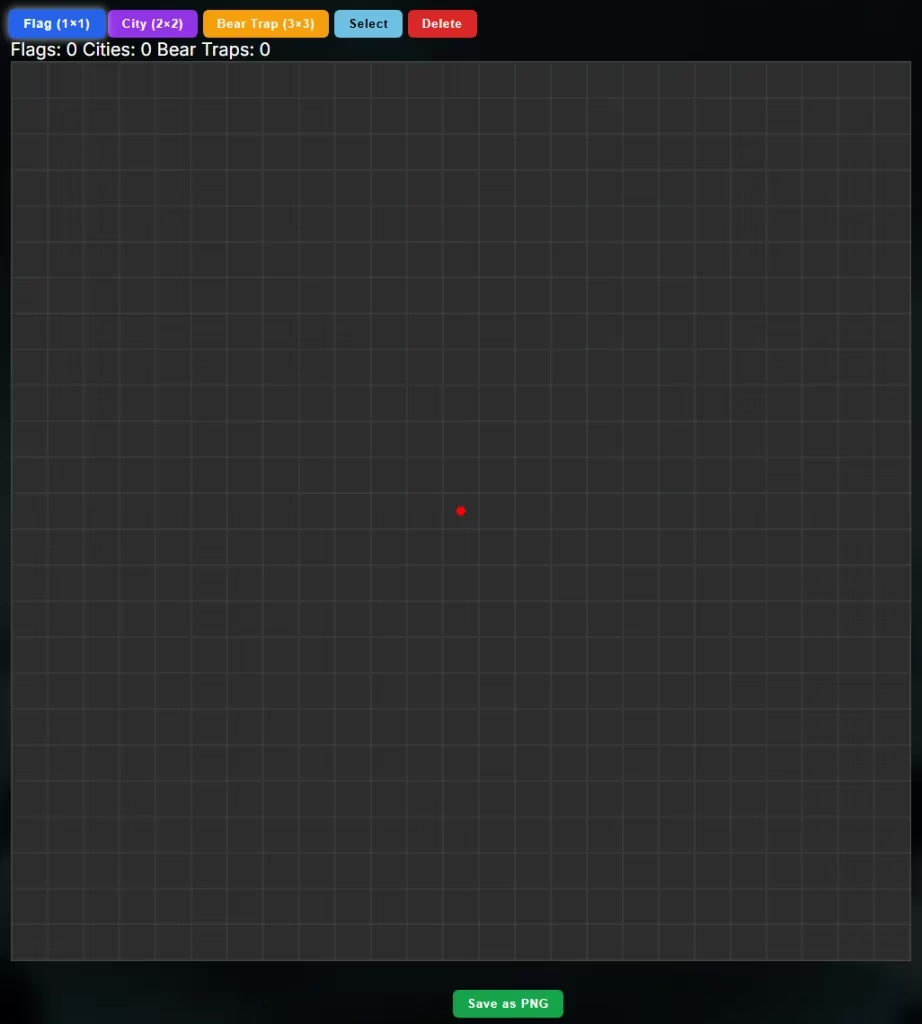
The first thing I did was open the planner on my laptop. The site mentions it does work on mobile, but with dozens of squares to manage, I followed the recommendation to use a computer or tablet. The grid loaded with a red dot in the center, and that dot became my anchor for the entire hive. I could finally see where our rally point should sit instead of trying to imagine it over a blurry in-game screenshot.
One dot. One clear center. That tiny detail saved me more time than I expected.
I clicked the Flag button first. Each flag only takes a 1x1 space, but it marks a gathering spot for the whole alliance. I placed two flags near the outer rim, leaving room for our strongest defenders to form a defensive shell around the center. In the old days, I would have had to describe these positions in chat. Now I just clicked.
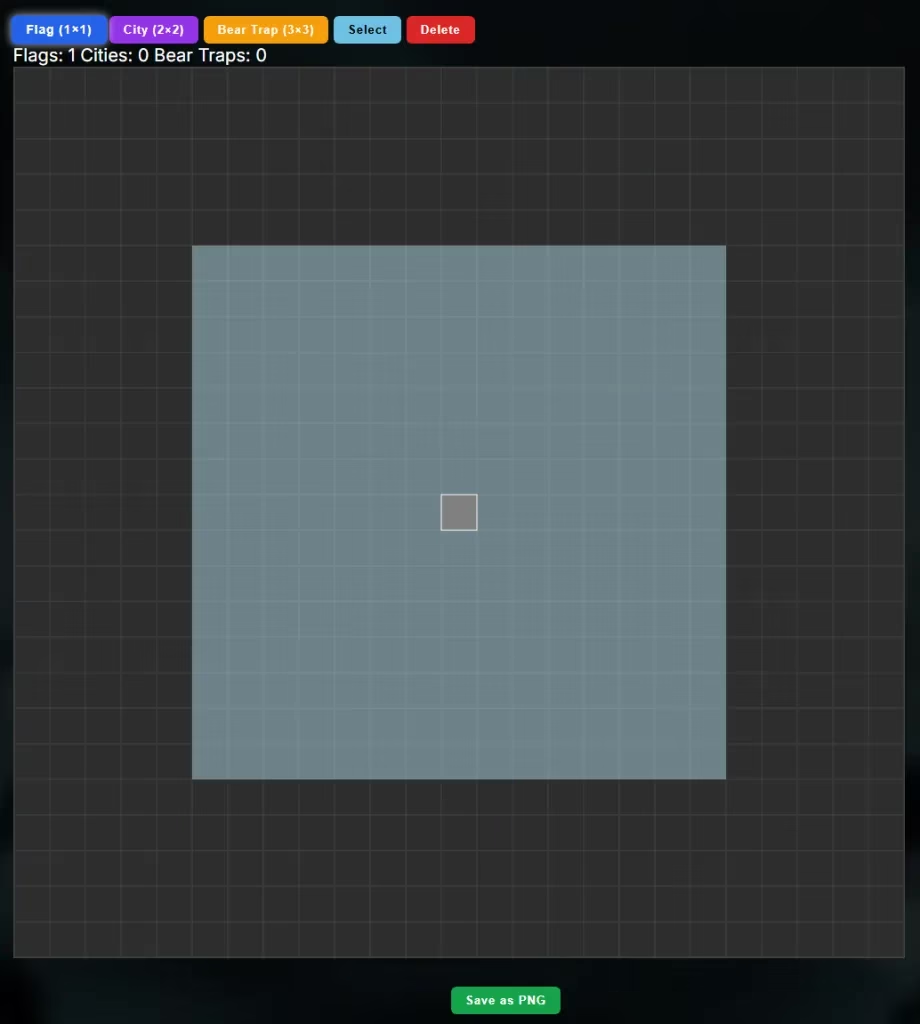
Next came the cities. Every city occupies a 2x2 block, so the grid quickly showed me how much space we actually needed. I placed our heavy hitters close to the middle, then filled the outer rings with farms and alternate accounts. The visual layout made it obvious where we had gaps or overcrowding. I shifted a few cities around just by looking at the board, which felt much more natural than scrolling through a spreadsheet.
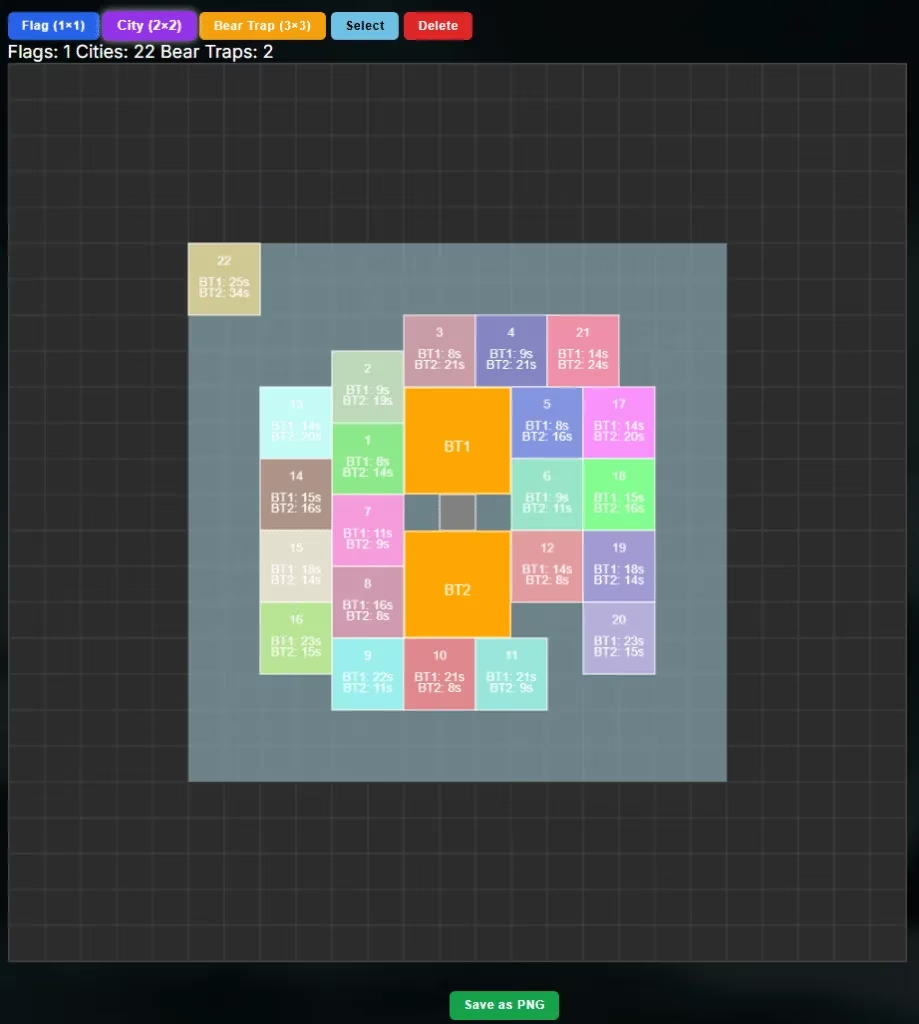
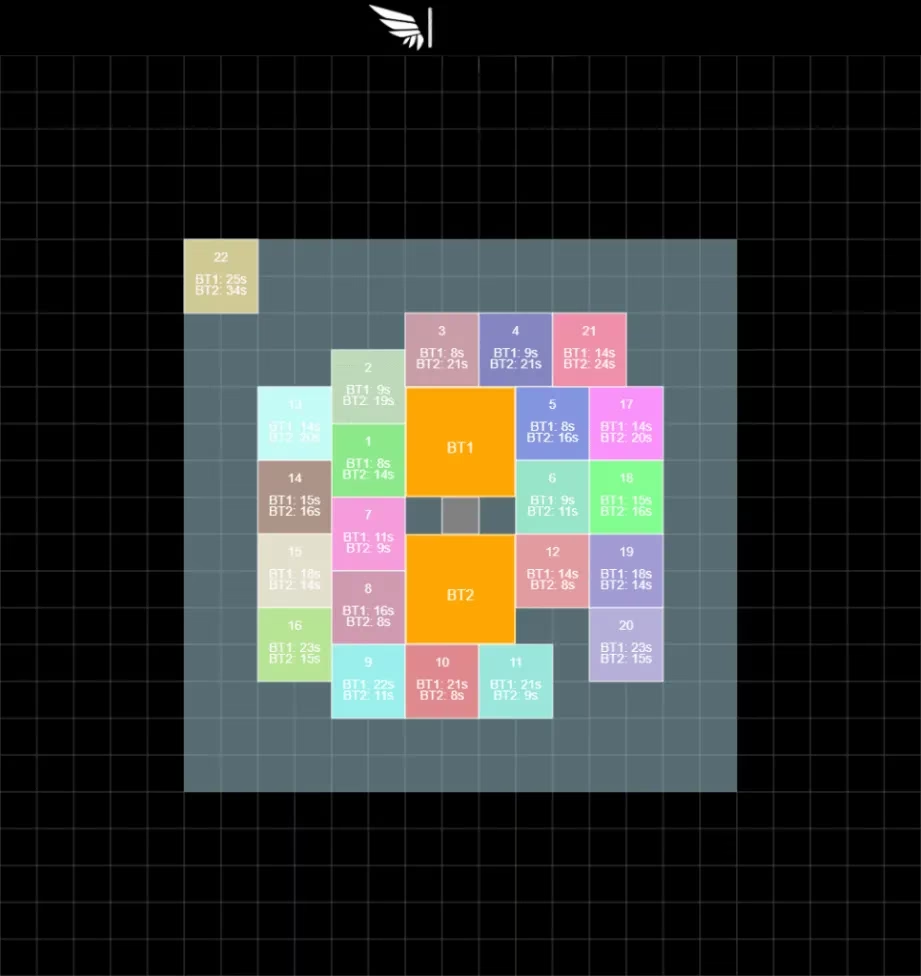
After the cities were set, I placed the 3x3 bear traps. This was where the tool really earned its place in our planning routine. Under each city, the planner displayed the exact time—in seconds—it would take that city to reach each bear trap. I could see at a glance that City 7 was 18 seconds from Trap A but only 9 seconds from Trap B, so I swapped a few positions to tighten the response time.
Seconds matter. Nine seconds versus eighteen seconds can mean a failed rally.
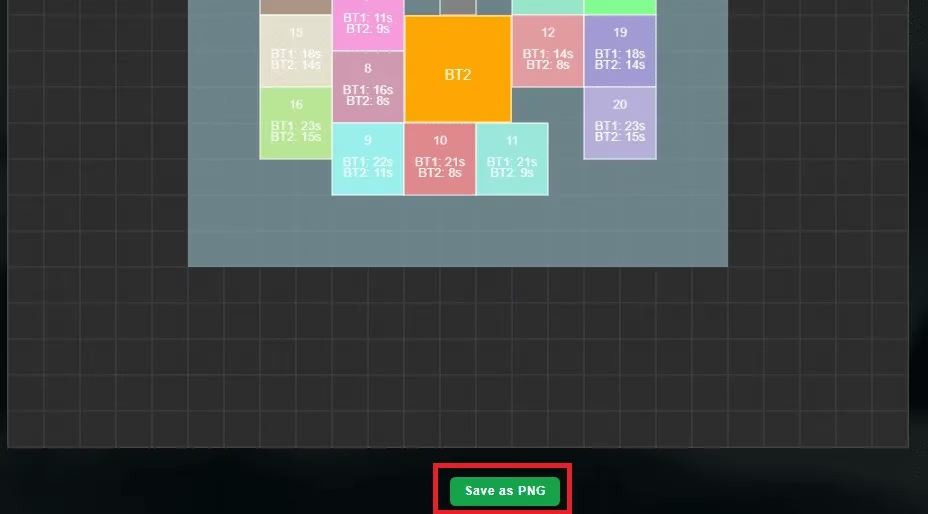
Once the layout felt right, I hit Save as PNG. The tool exported the entire board as a clean image, and I dropped it into our alliance Discord. Suddenly everyone could see exactly where to move, and the midnight messages of “wait, which trap am I supporting?” stopped completely. It was the first time in weeks that our alliance actually used the same plan.
Here is the finished result we shared with the team. It looked like a proper battle map instead of a random mess of arrows and circles. Even our most casual players understood their assignments at a glance.
Of course, I made mistakes. One city was accidentally placed in the wrong corner after we decided to rotate our trap support. Instead of redoing every single tile, I clicked Select, tapped the misplaced city, and hit Delete. The tool removed it instantly, and I placed it back where it belonged. That delete function saved me from rage-quitting at least twice.
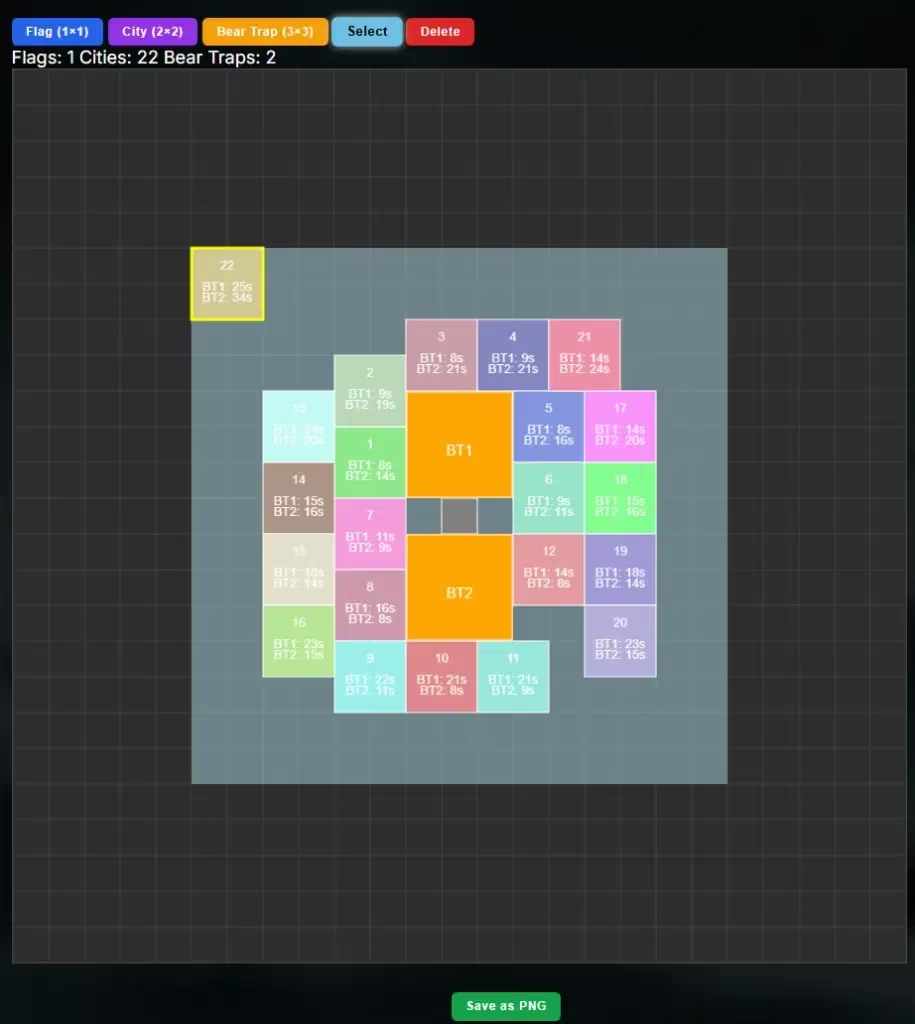
Here is what actually helped me the most while planning our hive with this tool:
| Feature | Why it helped |
|---|---|
| 🚩 Flag (1x1) | Marked rally points without cluttering the grid |
| 🏙️ City (2x2) | Visualized the entire hive and exposed gaps |
| 🐻 Bear Trap (3x3) | Showed trap zones clearly for every defender |
| ⏱️ Travel time in seconds | Told me which city could reach each trap fastest |
| 💾 Save as PNG | Made sharing the plan with the alliance effortless |
| 🔧 Select + Delete | Let me fix mistakes without rebuilding the layout |
If you are in charge of your alliance layout, I cannot recommend this planner enough. Use the red dot as your center, place all your cities before the traps, and always check the seconds under each city. Then save the image and share it before anyone has a chance to forget the plan.
One more thing: the tool is not mine. Credit goes to WOS Nerds for the original version of the Whiteout Survival Alliance Layout tool. I am just a very relieved alliance officer who finally stopped arguing with his teammates at 2 a.m.
Data referenced from Newzoo underscores why tools like a Whiteout Survival alliance layout planner matter: when coordination happens in real time across chat, Discord, and shifting player schedules, reducing friction with a shareable “single source of truth” (like a saved PNG map that standardizes rally points, trap coverage, and travel-time checks) can be the difference between a clean Bear Hunt rotation and a cascade of last-minute mistakes.
0 Comments